Facebook Ad Account Disabled in Bangladesh? Why It Happens and How to Get It Back
A calm recovery guide for Bangladeshi advertisers: find out why your Meta ad account stopped, ask for a review the right way, and make sure it doesn't happen twice.

The hardest lesson in this job: you only get a few chances to appeal. Most people waste the first one in a panic. So before you click anything about a Facebook ad account disabled in Bangladesh, stop. Open Meta Business Support Home on a computer, click the account, and read exactly what Meta is asking for.
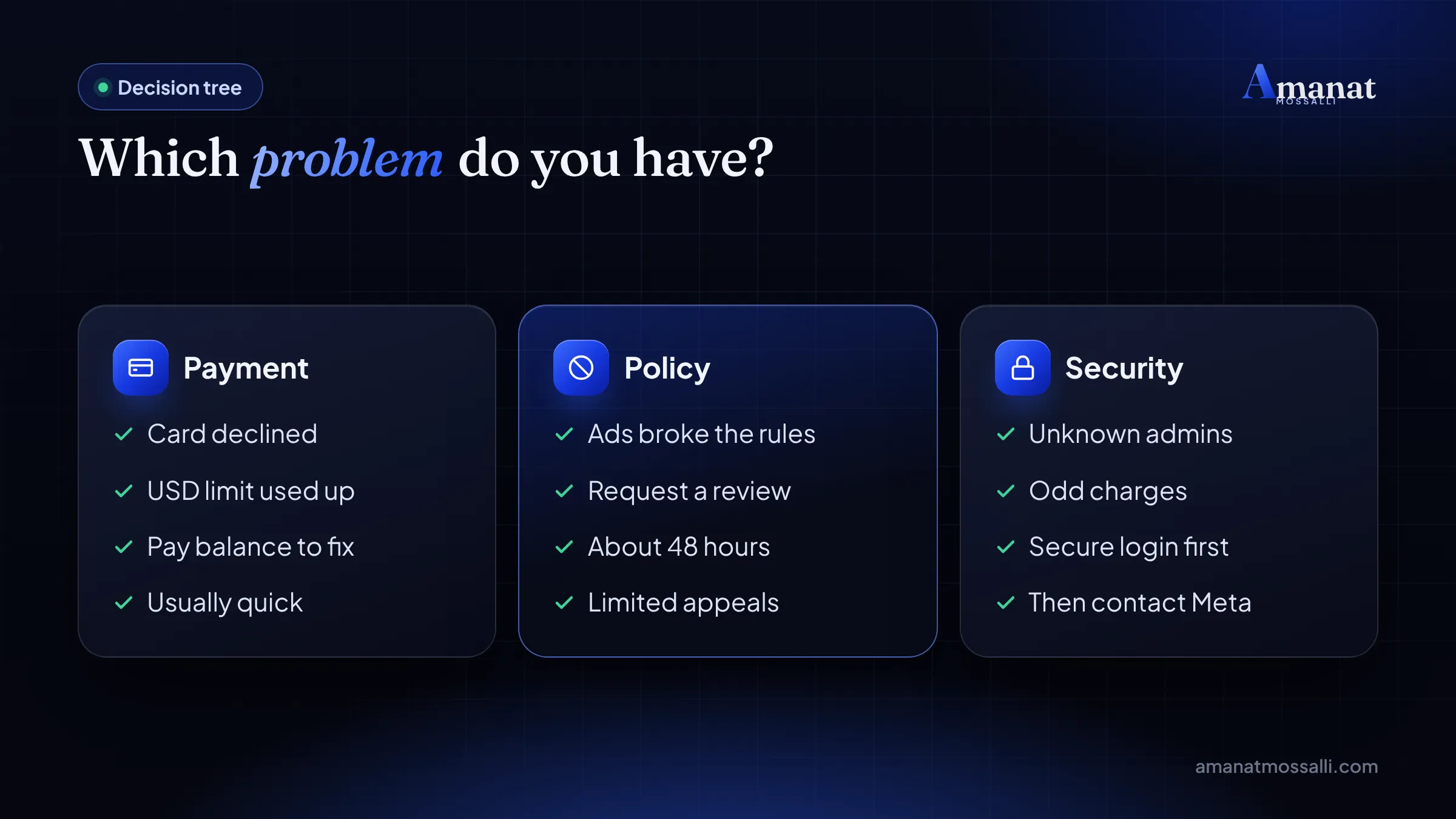
It’s nearly always one of four things. Pay a failed balance. Confirm your identity. Verify your business. Or request a review. A payment problem can be fixed in minutes. A policy restriction means a review of about 48 hours, and sometimes the answer is final.
Below is the decision tree I use and the review steps from Meta’s own help pages. Then how to write the request itself, and the habits that keep accounts running. I rechecked every Meta page linked here, and the local payment news, on 12 November 2026.
Key takeaways
- First work out the type: a payment issue, a restricted ad account, or your own profile’s advertising access restricted.
- Accounts disabled for payment usually come back as soon as the amount due is paid.
- Policy reviews are requested in Business Support Home and typically take about 48 hours, according to Meta.
- You get a limited number of reviews and the final decision stands. Make the first one count.
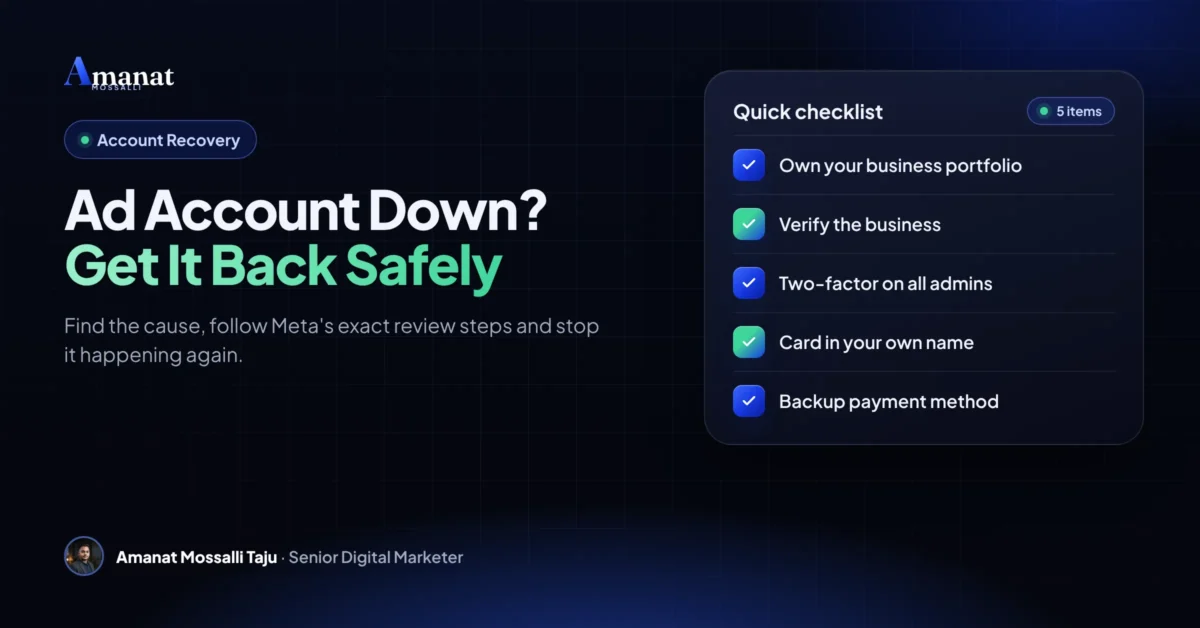
- Prevent it: own your assets, verify the business, lock down logins, and never rent or share accounts.
Why Was My Facebook Ad Account Disabled?
A failed payment, a policy problem or a security worry. Those are the three big reasons, and each one has its own fix. Treat them the same and you’ll waste time.
Meta’s enforcement page says its review system is mostly automated. It even admits that “both machines and people make mistakes”. It also says Meta may look at advertiser behaviour, not just single ads.
Here, payment and security problems come up far more than they should. Shared cards, shared logins and accounts bought from someone else are everywhere.
Which Label Do You See in Support Home?
Read the label word for word. It tells you which road you’re on, and the roads don’t cross much.
| What you see | What it means | What to do |
|---|---|---|
| “Account unsettled” or failed payment notice | Your payment method failed | Pay the balance in Billing and payments |
| Ad account restricted | That one ad account cannot run ads | Read the reason, fix it, then request a review |
| Advertising access restricted facebook profile | Your personal profile cannot advertise | Confirm identity, secure the profile, request a review |
| Business portfolio restricted | The whole business portfolio is blocked | Verify the business and request a review as admin |
| Page restricted from ads | The Page cannot be used in ads | Check Page quality and its connected accounts |
| Unrecognised charges or new admins | Possible hack | Secure the account first, then contact Meta |
Step 1Can a Failed Payment Really Disable the Account?
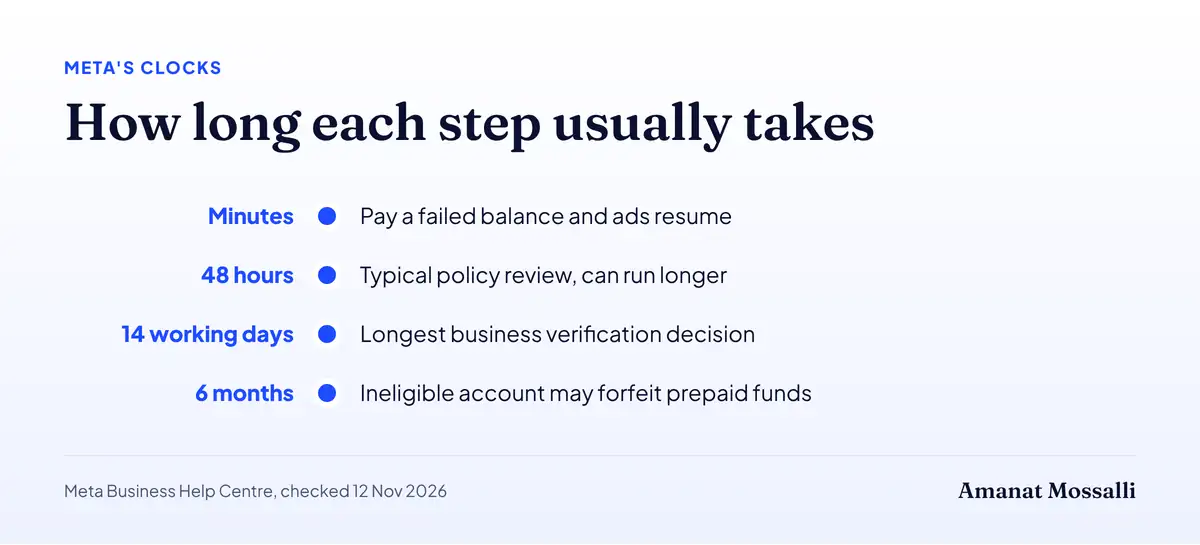
Yes, and it’s the easiest kind to fix. Ads pause and the account stays disabled until the amount due is paid. Pay it and you’re usually back.
- 1Open Billing and payments and pick the disabled ad account.
- 2Under Payment methods, press Pay now.
- 3Use the same card or add a new one, and approve the OTP.
- 4If it fails, call your bank. Ask about the USD limit and the per-transaction cap.
- 5Try again later with a different card, as Meta suggests.
Meta’s failed payment guide says active and scheduled ads resume once the balance is paid. Ads still paused after that? You may have hit the daily spending limit on your account.
bKash is now a second way to pay
This changed in September. The Financial Express reported on 10 September 2026 that businesses can add bKash as a payment method in Meta Ads account settings. Before that, you needed a card that worked in foreign currency.
That matters for this problem. A bKash balance in your own name makes a clean backup when a card hits its dollar limit the week before Eid. If bKash doesn’t show in your Billing and payments settings yet, wait. Don’t pay a stranger who offers “bKash ads” through their own account. That puts you straight back into a shared-asset network.
My guide on how to pay for Facebook ads in Bangladesh walks through cards, limits and bKash step by step.
Add a backup payment method and keep your payment threshold below your card’s per-transaction cap. A missing backup is one of the gaps I find most often in Bangladeshi accounts.
Step 2How Do You Ask for a Review That Actually Counts?
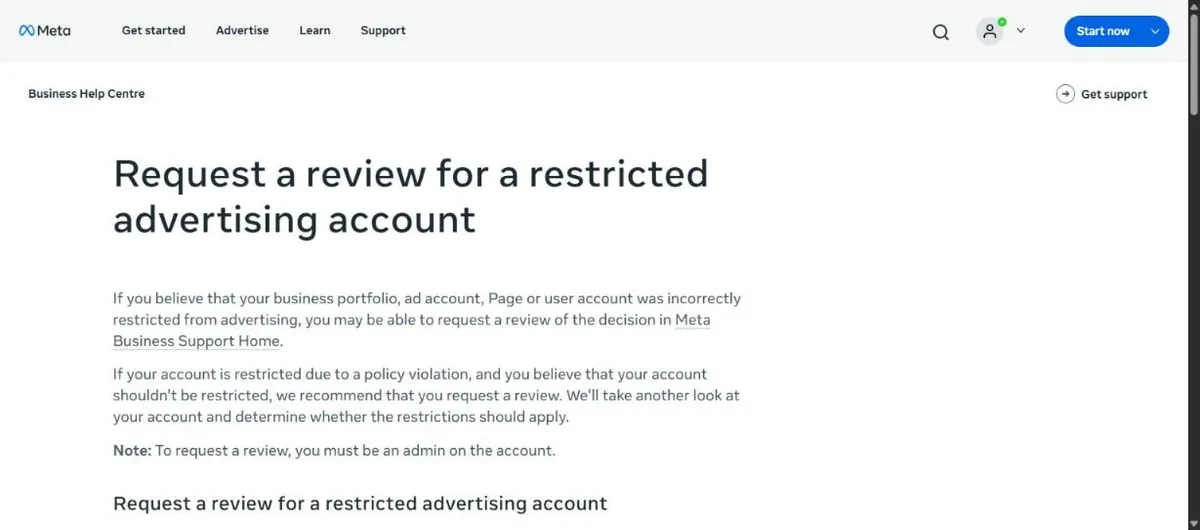
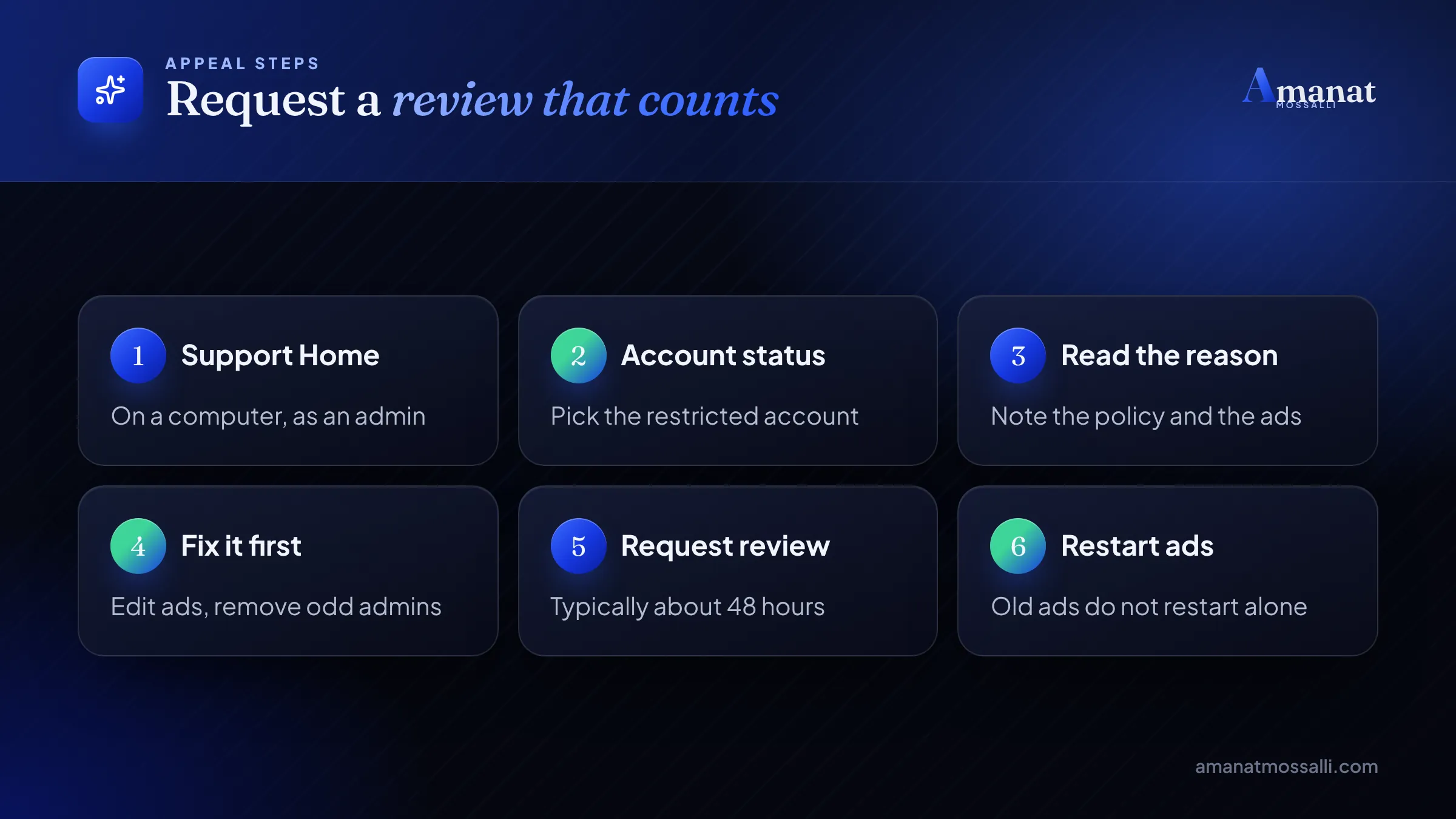
Through Meta Business Support Home, as an admin, after you’ve fixed the cause. Meta says the review typically takes 48 hours, though it can run longer.
These steps come from Meta’s review request page. The same page warns that you can request a review only a limited number of times. Once the review is done, the decision is final.
What to Write in the Review Request
Some review flows give you a box to explain. Most people either leave it empty or write an angry paragraph. Neither helps.
Write it like a short note to a busy stranger. Three or four plain sentences in English. What happened, what you changed, and why it won’t happen again.
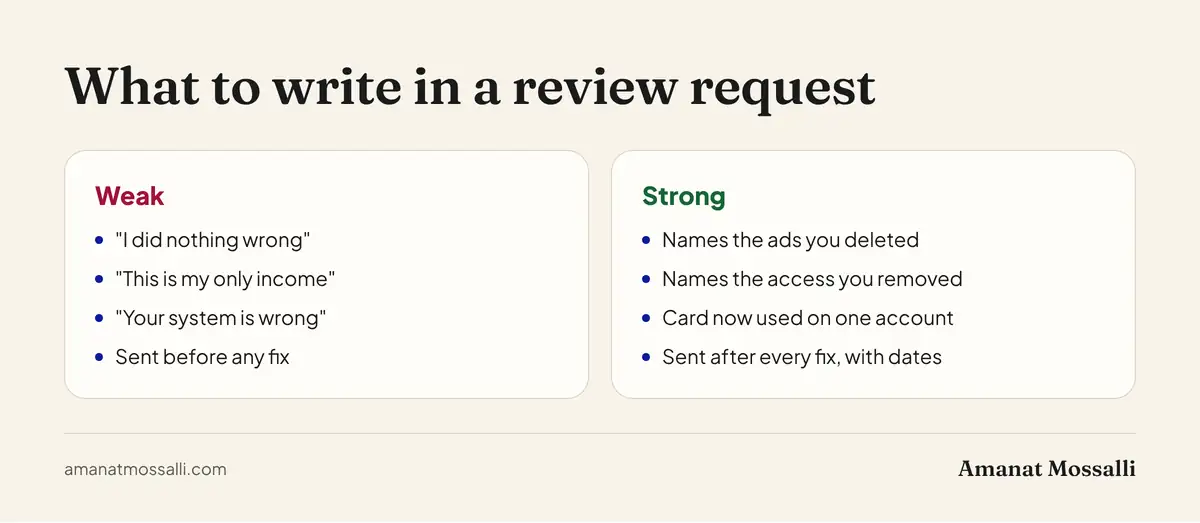
| Weak request | Strong request |
|---|---|
| “Please unban my account, I did nothing wrong.” | “Three ads used before-and-after photos. I deleted all three on 14 April.” |
| “This is my only income, please help.” | “I removed a former freelancer’s access and turned on two-factor login for both admins.” |
| “Your system is wrong.” | “Our card is now used only on this ad account, not shared with other businesses.” |
| Sent in a panic, nothing changed | Sent after every fix, with the date of each change |
Don’t argue the policy. Don’t promise it will never happen in capital letters. Show the fix. The reviewer, human or machine, is looking for signs the cause is gone.
Gather your evidence first
Before you click Request review, put these in one folder. If Meta asks for anything, you’ll answer in minutes instead of days.
- Screenshots of the restriction notice and the policy it names.
- A list of the ads you deleted or edited, with dates.
- Your trade licence, matching your business name and address.
- Proof the payment card or bKash account is in the business owner’s name.
- A screenshot of the people list after you removed old admins.
- Your website, live on https, showing the same business name.
Identity Checks and Business Verification
Do it exactly as asked, with real details that match your papers. Meta’s troubleshooting page lists four main next steps: confirm your identity, complete verification, secure your account, request a review.
Business manager verification Bangladesh tips
Meta’s business verification guide says you need full control of the business portfolio. You enter the legal business name, address, phone number and website, and they must match your legal records. The website has to load over https.
If Meta can’t find your business, it may ask for documents such as a business licence. For a Bangladeshi company that usually means your trade licence, and sometimes RJSC papers or tax documents. A decision can take up to 14 working days.
- Use the exact name on your trade licence, not a shortened brand name.
- Use an address and phone number that appear on your documents.
- Make sure your website is live, on https, and shows the same business name.
- Don’t edit business details after verification, or you’ll have to verify again.
Need the paperwork first? My guide to starting a business in Bangladesh explains the trade licence, RJSC and e-TIN.
Which Policy Mistakes Get Bangladeshi Ads Banned?
The same handful, again and again. Meta’s common violations page groups them into three: content violations, evading enforcement and violating networks. Here’s what that looks like on the ground.
- Before and after photos or “lose 10 kg in 7 days” claims for health and beauty products.
- Personal attributes in copy, like “Are you overweight?” or “Do you have diabetes?”.
- Selling restricted items such as prescription medicines, weapons or betting and gambling offers.
- Fake buttons, fake prices or clickbait that hide what the ad really is.
- Opening new accounts to run the same rejected ads again.
- Sharing assets with a bad network, like a rented ad account or a card used across many strangers’ accounts.
- Landing pages that break, don’t match the ad, or ask for payment without clear details.
Meta’s violations page says that creating new ad accounts to repeat violations after a ban counts as evading enforcement. That can spread a restriction to your Page, your profile and your whole business portfolio.
Was Your Account Hacked?
If you see ads you didn’t make, lock everything down first. Change passwords, turn on two-factor login, remove unknown admins and delete cards you didn’t add. The appeal can wait an hour. The hacker won’t.
Meta’s unrecognised activity guide says that when it sees suspicious activity, it may remove admins, pause ads or change payment methods to protect you. So a sudden change isn’t always the hacker. Sometimes it’s Meta stepping in.
- 1Check Payment activity for charges you don’t recognise.
- 2Check Ad account roles for people you didn’t add.
- 3Ask anyone who shares your card or account about the charges.
- 4Turn on two-factor login on every admin profile.
- 5Contact Meta through Business Support Home if you still think you were hacked.
An online bookseller in Jamalpur called me at about 8am. Overnight, ads in a language he couldn’t read had run from his ad account. They’d spent roughly $180 on his card before Meta disabled the account.
The night before, he’d got a Messenger message about a “Meta copyright warning”. He clicked, typed his password, and went to bed. It’s the most common way in that I see, in Dhaka and outside it.
We changed his password, turned on two-factor login, removed a stranger listed as admin and took his card off the account. His bank blocked the card the same morning and opened a dispute. Only then did we request a review, with a two-line note on what had been secured.
The ad account came back after that one review. The bank returned most of the money about three weeks later. He now keeps one rule taped above his desk: never type a password into a page you reached from a message.
Why Do Ad Accounts Here Get Shut So Often?
Shared assets, mostly. Many local advertisers run ads from cards, Pages, profiles or ad accounts that aren’t fully theirs. Meta sees those links and judges you by the company you keep.
| Local habit | Why it is risky | Safer option |
|---|---|---|
| One card used by many friends | Meta limits how many ad accounts one payment method can join | Each business uses its own card or its own bKash account |
| Bought or rented ad accounts | Linked to unknown networks that may break rules | Create your own ad account in your portfolio |
| A freelancer logs in as you | Login from new devices and locations looks unusual | Give partner access through your business portfolio |
| Pages bought from Facebook groups | History and admins you do not know | Build your own Page and grow it |
| Copying ads from foreign brands | Claims and images may break policy or copyright | Use your own product photos and honest claims |
She called me at nearly midnight. On her laptop was the red banner: ad account restricted. She had already clicked Request review once, in a panic, without changing anything. Rejected.
I’ve worked across ad accounts for 235+ brands, in Bangladesh, the UK and the USA. This is the moment I dread most for a client. One review gone, and no idea why.
We went through her ads one by one on a call. Three had before-and-after scalp photos a freelancer had made. Her card was also on four other ad accounts, belonging to friends. We deleted the ads, moved her friends off the card and removed the old freelancer’s login. Then we wrote a short, honest review request.
I didn’t promise her anything, because nobody can. The account came back two days later. She missed the first week of the Boishakh rush. Her new ads, built on customer photos of the bottles, cost a little more per order at first. By June her cost per order had settled around Tk 210, against about Tk 190 with the old risky ads. She calls that a fair price for sleeping at night.
A Facebook ad account disabled in Bangladesh usually starts with a shortcut like hers, months before the ban. Fixing them takes a few hours. Living with them takes a lot more.
Give access the right way
Never share your password with a marketer, me included. In your business portfolio, add people with the role they need, or give an agency partner access. You can remove them in one click when the work ends.
Check the people list every month. Remove old staff, past freelancers and anyone you don’t recognise. Meta’s own guidance on unrecognised activity starts with exactly that.
What If the Review Says No?
Then that ad account is usually gone. Meta says the decision after review is final, and I haven’t found a back door.
Meta’s troubleshooting page adds a harsh detail. If an ad account disabled for a policy violation stays ineligible for six months, unused prepaid funds may be forfeited where the law allows. The account can’t be reinstated.
So for how to recover Facebook ad account access after a final no, the honest answer is that you mostly can’t. What you can do is start clean, the right way.
- Fix the cause first. A new account running the same ads is evading enforcement.
- Create a new ad account only if your business portfolio and profile aren’t restricted.
- Use a payment method in your own name that isn’t tied to the old problem.
- Rebuild audiences from your own customer lists and website data.
Don’t buy “aged” ad accounts. They’re usually tied to other people’s networks, and Meta may restrict anything linked to them, you included.
Prepaid balance is the part people forget. If you top up with bKash or a card in advance, don’t load months of budget into an account that already has warnings. Load what the next two weeks need.
FAQ: Facebook Ad Account Disabled in Bangladesh
How long does a Meta ad account review take?
Can I appeal more than once?
Why was my ad account disabled right after I added a card?
What is the difference between ad account restricted and profile restricted?
Do I need a trade licence for business verification in Bangladesh?
Can an agency get my disabled account back?
Is it safe to buy an old ad account?
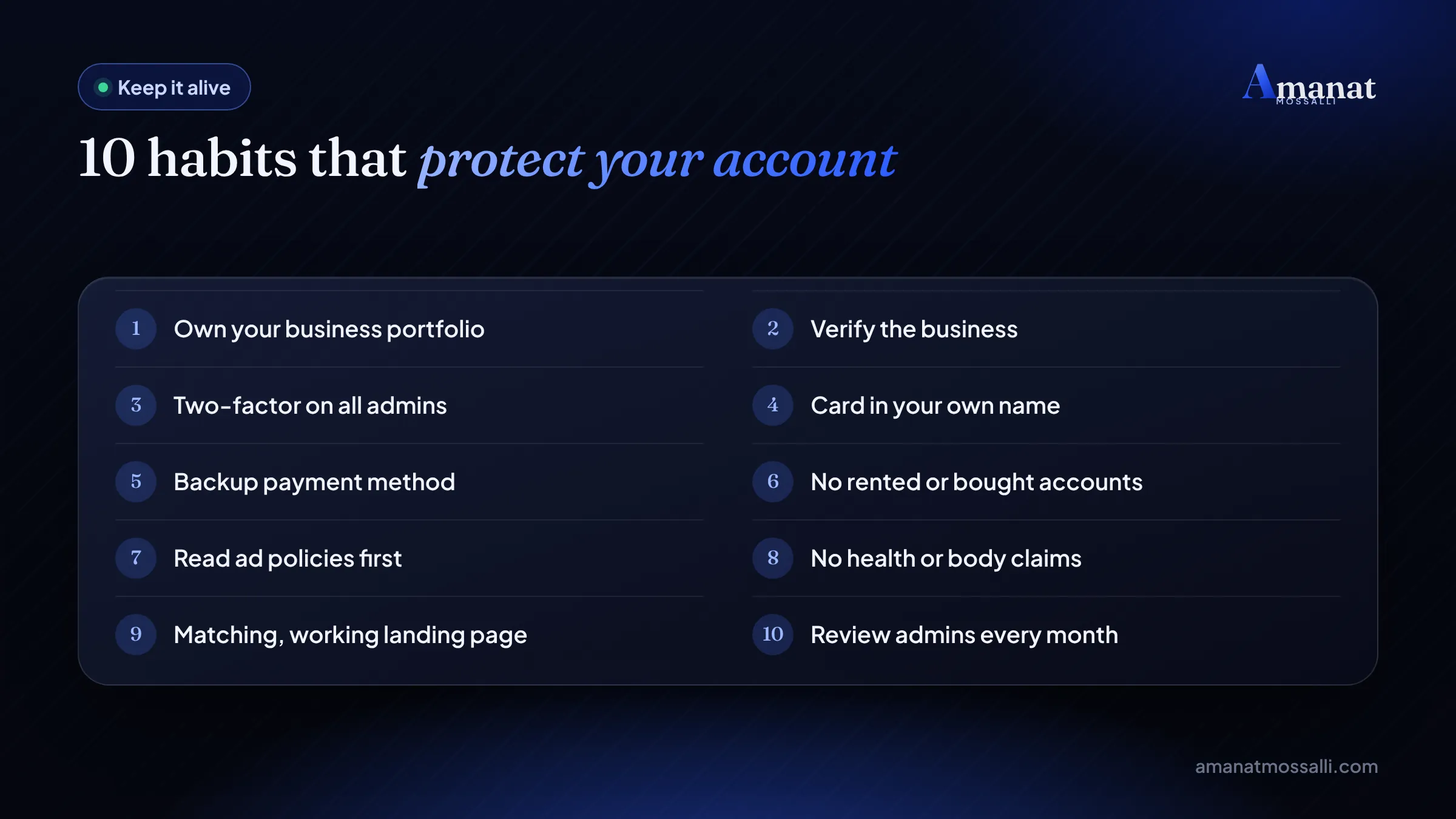
Ten Habits That Keep an Ad Account Alive
Prevention costs an afternoon. Recovery can cost a whole season. I’ve managed more than $8M in Google and Meta ad spend. These are the habits I set up on every account before the first taka is spent. The Noakhali hair oil maker follows them now too. If you want to know more about how I work, here’s my background.
Keep a simple log too: which ads were rejected, why, and what you changed. If you ever need a review, that history lets you explain your case in two lines instead of twenty.
For the wider list of mistakes that hurt Bangladeshi brands online, read digital marketing mistakes for Bangladeshi businesses. And if you want campaigns measured cleanly from the start, my tracking and analytics setup helps there.
If You Only Do One Thing Tonight
Don’t click Request review yet. Read the label, find the cause, fix it, and write down what you fixed. Only then ask.
That’s the whole difference between the Noakhali seller’s first review and her second. Same account, same products, same Meta. The first time she asked for mercy. The second time she showed a fix.
Close the laptop if you have to. The review button will still be there in the morning, and so will your one good chance to use it.

Amanat Mossalli Taju
Senior Digital Marketer & SEO Expert, Dhaka, BangladeshI have grown 235+ brands over more than seven years with SEO, Google and Meta Ads, server-side tracking, WordPress and AI automation. Half of my clients are in the UK, USA, Australia and Canada. Everything I write here comes from real client work.
Want this done for your business?
Book a free 15-minute call. I look at your site and ads before we talk, so you leave with clear next steps.